
 By
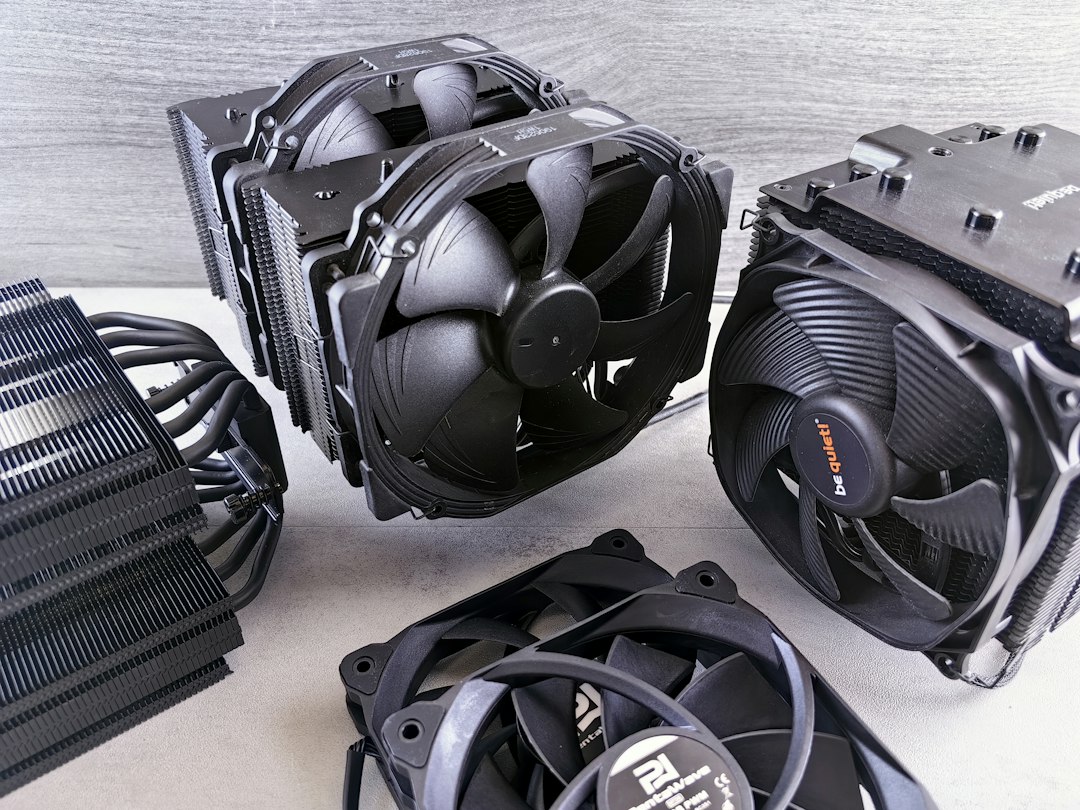
In the world of computing, maintaining optimal temperatures is crucial for performance and longevity. Overheating can lead to hardware failures and reduced efficiency, making effective cooling solutions essential. At thermalguardtech.com, we specialize in advanced CPU cooling systems designed to keep your components running smoothly. This article will explore the importance of cooling systems, the various types available, and how to choose the right one for your needs.
The Importance of CPU Cooling
CPU cooling is vital for ensuring that your computer operates at peak performance. When a CPU overheats, it can throttle its speed to reduce temperature, which negatively impacts performance. Additionally, prolonged exposure to high temperatures can shorten the lifespan of your components, leading to costly replacements. Therefore, investing in a quality cooling solution is not just about performance; it’s about protecting your investment.
Moreover, effective cooling can enhance the overall user experience. Gamers and professionals alike rely on their systems to perform without interruptions. A well-cooled CPU can handle intense workloads, whether it’s gaming, video editing, or running complex simulations, without the risk of overheating. This reliability is what every user desires, and it starts with the right cooling system.
Types of CPU Cooling Solutions
There are several types of CPU cooling solutions available, each with its own advantages and disadvantages. Air coolers are the most common and are typically easier to install and maintain. They use fans to dissipate heat away from the CPU, making them a cost-effective option for many users. However, they may not be sufficient for high-performance systems that generate significant heat.
On the other hand, liquid cooling systems offer superior heat dissipation and can handle higher thermal loads. These systems use a liquid coolant to transfer heat away from the CPU to a radiator, where it is dissipated into the air. While they can be more expensive and complex to install, the performance benefits are often worth the investment, especially for overclockers and gamers looking for maximum performance.
Choosing the Right Cooling System
When selecting a CPU cooling system, consider your specific needs and usage patterns. If you are a casual user who primarily uses your computer for browsing and office tasks, a basic air cooler may suffice. However, if you are a gamer or a professional who runs demanding applications, investing in a high-performance liquid cooling system could be beneficial.
Additionally, compatibility is crucial. Ensure that the cooling solution you choose fits your CPU socket type and case dimensions. Some cooling systems may require more space than others, so it’s essential to check the specifications before making a purchase. At thermalguardtech.com, we provide detailed compatibility information to help you make an informed decision.
Installation and Maintenance Tips
Installing a CPU cooling system can be straightforward, but it requires careful attention to detail. Start by removing the old cooler and cleaning the CPU surface to remove any old thermal paste. Apply a small amount of new thermal paste to ensure optimal heat transfer. Follow the manufacturer’s instructions for your chosen cooling system, and ensure that all components are securely fastened.
Once installed, regular maintenance is key to keeping your cooling system functioning effectively. Dust buildup can hinder airflow and reduce cooling efficiency, so it’s essential to clean your system periodically. Use compressed air to blow out dust from fans and radiators, and check for any signs of wear or damage. By maintaining your cooling system, you can ensure that it continues to perform optimally for years to come.
Step-by-step plan:
Step 1: Assess your computing needs and determine the appropriate cooling solution. Step 2: Research compatibility with your CPU and case dimensions. Step 3: Install the cooling system following the manufacturer’s guidelines. Step 4: Regularly maintain your system to ensure optimal performance.