
 By
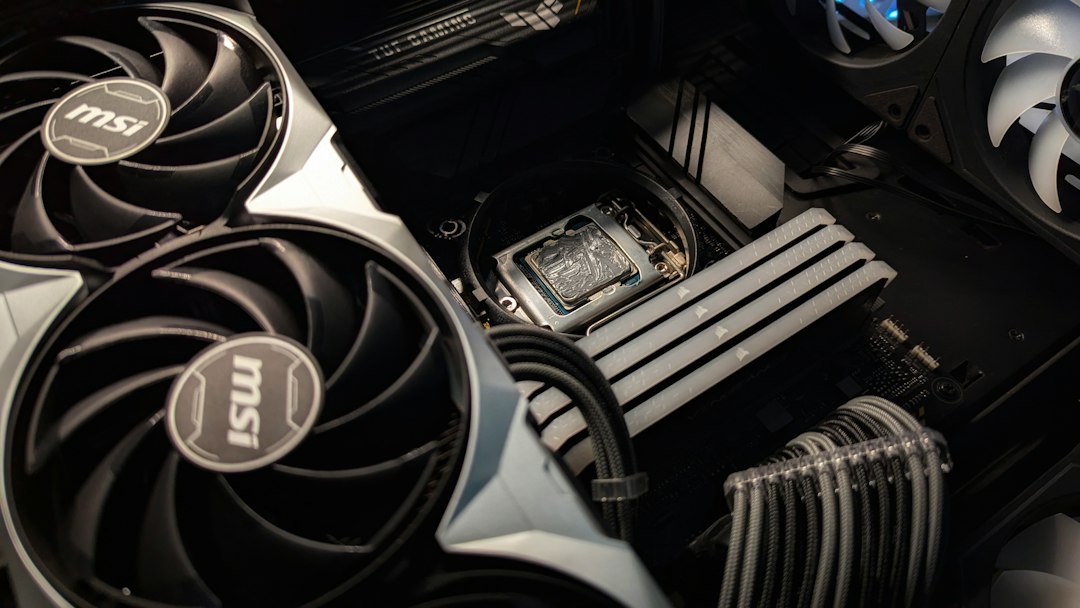
Choosing the right CPU cooler is crucial for maintaining optimal performance and longevity of your computer system. With the increasing demands of modern applications and gaming, ensuring your CPU operates within safe temperature limits is more important than ever. This guide will help you navigate the options available at thermalguardtech.com and make an informed decision on the best CPU cooler for your setup.
Understanding CPU Cooling
CPU cooling systems are designed to dissipate heat generated by the processor during operation. The two main types of cooling solutions are air coolers and liquid coolers. Air coolers use fans and heatsinks to draw heat away from the CPU, while liquid coolers circulate coolant through a closed loop to absorb and dissipate heat more efficiently.
When selecting a cooling system, consider the thermal design power (TDP) of your CPU, which indicates how much heat it generates under load. A cooler with a TDP rating higher than your CPU’s ensures efficient cooling, preventing thermal throttling and potential damage. Additionally, evaluate the noise levels of the cooler, as some models can be quite loud, which may be a concern for users seeking a quiet environment.
Types of CPU Coolers
There are several types of CPU coolers available, each with its own advantages and disadvantages. Air coolers are typically more affordable and easier to install, making them a popular choice for budget builds. They come in various sizes, so ensure you have enough clearance in your case for the cooler’s height and width.
On the other hand, liquid coolers offer superior cooling performance, especially for overclocked CPUs. They can be more complex to install and may require additional maintenance, such as checking for leaks. However, they often provide a sleek aesthetic with customizable RGB lighting, appealing to gamers and PC enthusiasts alike.
Factors to Consider When Choosing a Cooler
When selecting a CPU cooler, consider compatibility with your motherboard and case. Check the socket type of your CPU and ensure the cooler is compatible with it. Additionally, verify that your case has enough space for the cooler, especially if you opt for a larger air cooler or a liquid cooler with a radiator.
Another important factor is the cooler’s cooling performance. Look for reviews and benchmarks that compare different models under load conditions. This information can help you identify which cooler will best meet your needs, whether you prioritize low temperatures, noise levels, or aesthetics.
Installation Tips
Once you’ve chosen the right CPU cooler, proper installation is key to achieving optimal performance. Start by carefully following the manufacturer’s instructions, as each cooler may have specific installation steps. Ensure that the CPU surface is clean and apply thermal paste if required, as this will enhance heat transfer between the CPU and cooler.
During installation, be mindful of cable management to avoid obstructing airflow within your case. Proper airflow is essential for maintaining low temperatures, so position fans to create an efficient airflow path. After installation, monitor your CPU temperatures using software tools to ensure the cooler is functioning correctly.
Step-by-step plan:
Step 1: Determine your CPU’s TDP and cooling needs based on usage. Step 2: Research and compare different types of coolers, focusing on compatibility and performance. Step 3: Read reviews and benchmarks to find the best cooler for your setup. Step 4: Follow installation instructions carefully and monitor temperatures post-installation.